
Patch or Pay: Why Smart MSPs Make Patch Management a Core Service, Not a Side Task
Patch management isn’t just about updates – it’s critical to cybersecurity, compliance, and system stability. Learn how MSPs can streamline patching processes to reduce risk and maintain client trust.
Every week, a new vulnerability makes headlines, and every day, someone pays the price for not patching fast enough.
A 2024 report found that 60% of cybersecurity breaches stem from unpatched vulnerabilities, while 80% of data breaches involve outdated systems. This isn’t a theoretical risk, but an operational reality for Managed Service Providers (MSPs) and their clients.
MSPs are increasingly held to higher standards not just by clients but also by cyber insurers, regulators, and vendors. When a ransomware attack hits due to a missed patch, questions come quickly, and confidence erodes just as fast. The threat isn’t limited to high-profile zero-days; routine operating system and third-party software patches, when left unmanaged, quietly expand the attack’s surface across dozens or hundreds of client environments.
Patch management often gets pushed to the background: automated where possible, checked off when convenient. But when a patch breaks a system, or worse, when an exploit hits before the patch is applied, the MSP is left to explain what went wrong and how it could have been avoided.
In this blog, we’ll break down why patch management isn’t optional, especially for MSPs balancing security, compliance, and service-level expectations. You’ll learn how to structure a sustainable patching workflow, minimize disruption, and ensure clients stay secure without compromising system performance or trust.
What is Patch Management?
Patch management is the process of identifying, testing, deploying, and monitoring software updates, called patches, to fix vulnerabilities, improve performance, or resolve bugs. These updates apply to operating systems, applications, and third-party tools across client environments.
For MSPs, patch management is more than routine maintenance. It’s a critical function spanning multiple clients, device types, and platforms, each with different needs and risks. The key challenge is prioritizing what needs patching, when, and how to avoid disruptions during deployment.
With the growing speed of exploits and increased client expectations around uptime and security, patching can’t be left to chance. A structured, proactive approach helps MSPs reduce risk, maintain compliance, and keep systems stable.
The Importance of Patch Management
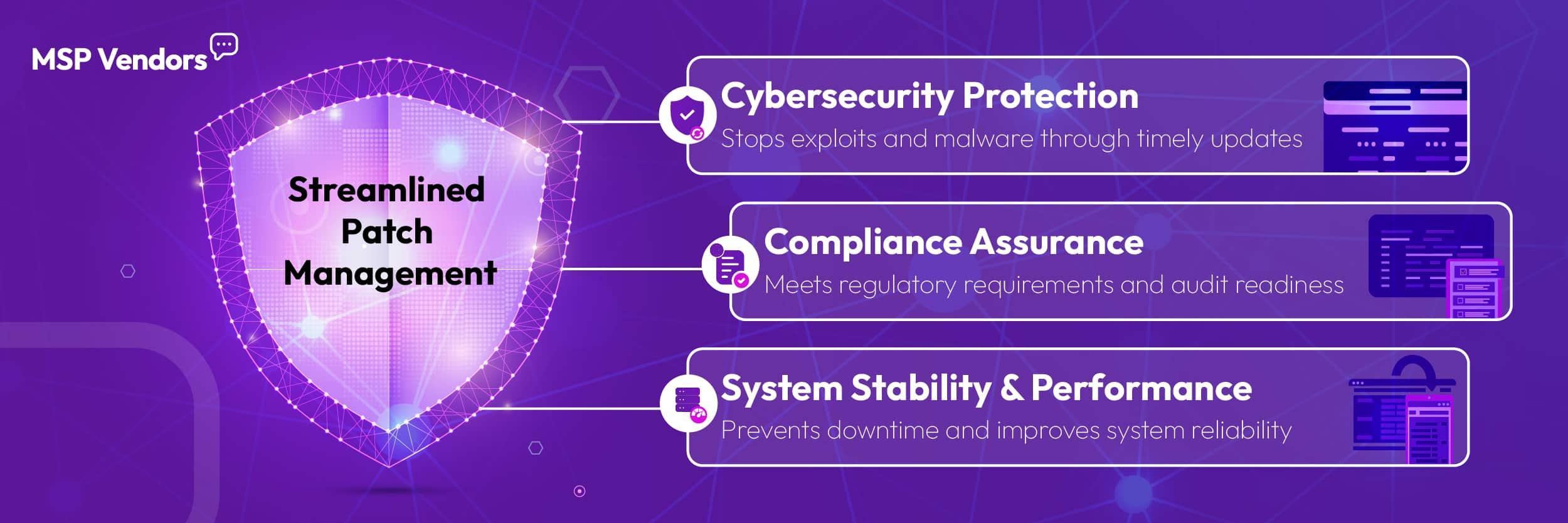
Patch management isn’t just another maintenance task; it’s foundational to system security, performance, and compliance. Without a consistent patching strategy, even well-managed environments become vulnerable over time.
Enhancing Security
Unpatched software is one of the most common entry points for attackers. In fact, 32% of ransomware attacks in 2024 began with an exploited vulnerability that had a known patch available. When updates aren’t applied promptly, clients remain exposed to threats that adversaries actively seek out and automate.
By staying on top of security patches, MSPs close these windows of opportunity. Whether it’s a zero-day vulnerability or a six-month-old software flaw, timely patching dramatically reduces the attack surface.
Improving System Performance
Patches aren’t just for security; they also resolve bugs and improve application or system efficiency. Regular updates can fix memory leaks, CPU spikes, and other performance drags that impact end users.
For MSPs offering performance-based SLAs, patching helps maintain baseline service levels. It prevents issues before they escalate into support tickets or cause business interruptions for clients.
Compliance and Regulatory Requirements
Regulatory frameworks like HIPAA, PCI-DSS, and NIST explicitly require timely patching as part of broader security controls. Falling behind on patching can result in compliance violations, audits, or even legal consequences, especially in industries like healthcare, finance, or government contracting.
MSPs supporting regulated clients must demonstrate that they follow a structured, auditable patching process. This not only reduces liability but also strengthens client confidence in your operational maturity.
Why MSPs Need Patch Management
For individual businesses, patching can be manual or reactive. For MSPs, that approach doesn’t scale. Managing patches across multiple clients, networks, operating systems, and compliance needs requires a deliberate, repeatable system, or gaps will form quickly.
Without patch management, MSPs risk more than security incidents. They face an increased workload from preventable issues, client dissatisfaction due to avoidable downtime, compliance exposure in regulated environments, and brand damage when unpatched systems become attack vectors.
A missed update on one machine can ripple across an entire organization and reflect poorly on the MSP managing it. As threat actors automate vulnerability scanning and exploit delivery, patch management becomes a critical line of defense that directly ties into service quality and client retention.
The Patch Management Process
Strong patch management isn’t just about “applying updates.” It’s about having a system that prioritizes risk, ensures compatibility, and tracks what’s been done across every client’s environment.
Identifying and Prioritizing Patches
Patching starts with visibility. MSPs need real-time insight into available updates across operating systems, third-party applications, and hardware firmware. But not all patches are equal.
Security updates should take priority, especially those addressing known exploits or CVEs marked as critical. Feature updates or stability improvements may be scheduled on a different cadence, depending on client risk tolerance and system role.
Testing Patches
Testing is often skipped, especially under time pressure. But patch-related failures can disrupt business operations, damage client trust, and lead to costly rollbacks.
MSPs should test updates in staging environments or with a small pilot group before wide deployment. This reduces the risk of software conflicts or breaking critical workflows.
Deploying Patches
Once verified, patches should be deployed through a structured process, either automated through RMM tools or scheduled during defined maintenance windows.
Flexibility matters. Some clients require after-hours patching; others may restrict changes to specific days. A good patching strategy balances automation with client-specific policies.
Monitoring and Reporting
Deployment isn’t the finish line. MSPs must track patch status across devices, ensure installations are completed successfully, and verify that systems remain stable after the post-update.
Reporting also plays a key role both for internal QA and client transparency. Clear documentation demonstrates due diligence, supports compliance audits, and helps resolve issues faster when something does go wrong.
Best Practices for Effective Patch Management
Even with automation, patch management requires an intentional strategy. These practices help MSPs reduce risk, improve efficiency, and align patching with client expectations without burning out your team or overcomplicating operations.
Establish a Regular Patching Schedule
Consistency is key. Setting a regular patching cadence – weekly, biweekly, or monthly – helps reduce oversight and builds client confidence. Tie this schedule to maintenance windows and SLAs so patching is predictable and minimally disruptive.
Urgent patches (like zero-days or active exploit fixes) should follow a separate fast-track process. Having both a routine and emergency protocol helps MSPs respond quickly without derailing day-to-day operations.
Use Automation Tools
Manual patching doesn’t scale. Most MSPs already use RMM platforms with integrated patch management modules, but tools alone aren’t enough. It’s about how you configure and use them.
Group devices by client, department, or risk profile. Automate where you can, but allow for granular control, so you can pause, exclude, or rerun updates when needed. Automation should reduce workload, not create blind spots.
Stay Informed of Security Vulnerabilities
MSPs can’t patch what they don’t know about. Subscribe to threat intelligence feeds, CVE databases, and vendor advisories. Consider integrating with platforms like CISA’s Known Exploited Vulnerabilities Catalog or NIST’s National Vulnerability Database for early visibility into high-risk issues.
Internally, assign someone, or use software, to triage new threats and determine if immediate action is needed across client environments.
Train Your Staff
Even with the best tools, human error can derail patching. Train your team on patching procedures, escalation paths, and documentation standards. Make sure everyone understands which patches take priority, how to handle failed installs, and when to notify clients.
Patch management is often viewed as routine until something breaks. Empower your technicians to treat it as a frontline security function, not just background maintenance.
Turn Patch Management into a Competitive Edge
Patch management isn’t just about staying secure, but also showing clients that you take their uptime, data, and compliance seriously.
Too many MSPs treat patching like a background task until a missed update becomes a ticket, a ticket becomes downtime, and downtime becomes lost trust. But the MSPs who succeed long-term? They treat patching as a differentiator: faster response times, clearer documentation, fewer escalations, and stronger SLAs.
If your current patching process still relies on manual steps, inconsistent schedules, or outdated tooling, now is the time to rethink it. Evaluate your workflows, audit your RMM setup, and consider whether your patching policies align with how your clients define value.
Because in today’s environment, missing one patch isn’t just a tech issue but a business risk. And solving it well is one more way to stand out from the MSP crowd.