
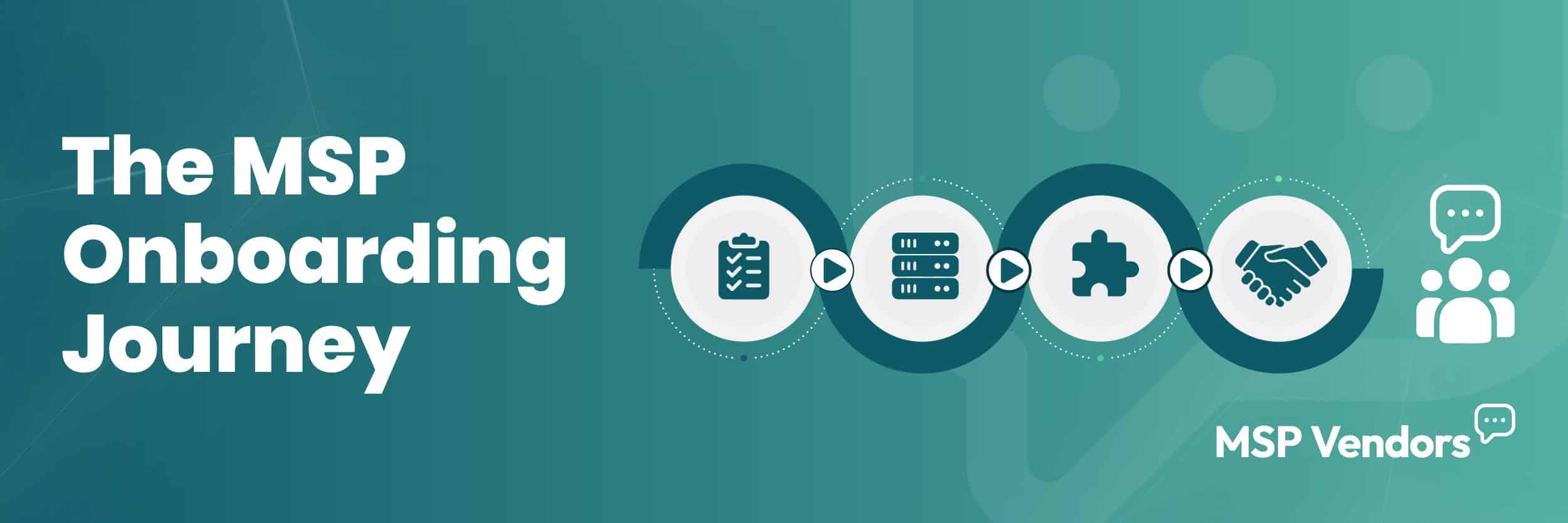
Master the MSP Onboarding Process: Your Step-by-Step Guide to Client Success and Seamless Service
Master the MSP onboarding process to ensure seamless client transitions, boost retention, and optimize service delivery. Discover practical steps and best practices that transform onboarding from a hurdle into a growth driver for your MSP business.
Imagine this: You’ve just signed a promising new client, and everyone’s excited about the partnership ahead. But as the onboarding begins, communication gaps emerge, critical systems aren’t properly synced, and expectations aren’t clearly defined. What should have been a smooth transition quickly becomes a tangle of missed deadlines and frustrated stakeholders.
This scenario is all too familiar in the Managed Service Provider (MSP) world.
Onboarding isn’t just about setting up networks or installing software; it’s the foundation for trust, efficiency, and long-term success. When done right, it ensures clients feel confident in your services from day one, reducing downtime and smoothing out potential bumps before they escalate.
In this blog, we’ll break down the MSP onboarding process step by step, offering practical advice and a thorough checklist designed to help you turn onboarding into one of your strongest competitive advantages.
What is the MSP Onboarding Process?
MSP onboarding is the structured process of transitioning a new client into managed services. It covers everything from gathering information about the client’s existing systems to setting up infrastructure, integrating tools, and aligning expectations.
A solid onboarding process ensures that systems are properly configured, communication is clear, and the client is fully supported from day one. It’s not just a technical handoff; it’s the foundation for trust, efficiency, and long-term success.
Why MSP Onboarding Matters
Onboarding sets the tone for your entire relationship with a new client. It’s the first real test of how well you understand their needs, how clearly you communicate, and how effectively you deliver. When done right, it builds confidence early, showing clients that they’re in capable hands.
On the other hand, a rushed or inconsistent onboarding process can lead to confusion, misaligned expectations, and technical issues that could have been avoided. These early missteps often snowball, creating friction that’s hard to undo later.
For MSPs, a strong onboarding process doesn’t just prevent problems; it also creates momentum. It shortens the time to full-service delivery, reduces support tickets, and helps both teams operate more smoothly. It also gives you the chance to reinforce your value from the start, setting the stage for long-term retention and growth.
The Ultimate MSP Onboarding Checklist
A smooth onboarding process doesn’t happen by accident; it’s the result of clear planning and repeatable steps.
This checklist breaks down the key phases of MSP onboarding, from preparation to post-launch, so your team can deliver consistent, high-quality experiences every time. Whether you’re working with a small business or a multi-site client, these steps help you stay in control and set the tone for a long-term partnership.
Step 1: Pre-Onboarding Preparation
Before anything is deployed, successful onboarding starts with internal coordination and client-side information gathering. This initial step ensures that everyone is aligned and nothing critical is missed once the technical work begins.
Pre-Onboarding Documentation Checklist
At this stage, your team should collect all essential documentation and technical details from the client. This information will guide infrastructure setup, tool deployment, and long-term management.
Key items to request include:
- A full inventory of existing hardware, operating systems, and software licenses
- Network diagrams and IP address maps
- List of current vendors (e.g., ISP, VoIP, backup providers)
- Admin credentials and access logs (shared through secure methods only)
- Previous support ticket history, if available
- Existing cybersecurity policies, backup schedules, and compliance requirements
- Points of contact for internal IT or department heads
Having this information upfront reduces surprises and gives your team a clear picture of what you’re walking into.
Service Level Agreement Considerations
Before onboarding begins in earnest, the SLA needs to be reviewed, not just by leadership, but by everyone involved in delivering service.
Here’s what to clarify:
- Scope of services: What’s included (and excluded) in the agreement?
- Response and resolution times: Make sure expectations match your team’s capacity.
- Communication protocols: Who gets notified, and how? Will updates be via ticketing, email, or direct calls?
- Escalation paths: If an issue arises during onboarding, who owns it, and how is it tracked?
This is also the time to manage expectations around timelines. If migration or discovery will take weeks, be transparent. Surprises, even unintentional ones, can damage early trust.
Step 2: Setting Up IT Infrastructure
Once the groundwork is in place, it’s time to configure the client’s IT environment. This includes deploying monitoring agents, setting up firewalls, provisioning endpoints, and aligning the tech stack with your internal standards.
For hybrid or cloud-based clients, ensure access controls and permissions are properly configured. Flag any outdated systems early, especially if they pose security or compatibility risks.
Security should be baked in from the start: MFA, endpoint protection, and backup solutions need to be set up during this phase, not after.
This step lays the technical foundation for everything that follows. A clean, consistent setup prevents support issues down the line and sets your team up for efficient service delivery.
Step 3: Syncing Systems & Software Integration
With the infrastructure in place, the next step is ensuring all systems and tools work together seamlessly. This includes integrating remote monitoring and management (RMM) platforms, PSA tools, ticketing systems, email security, and backup solutions.
Each integration should be tested for compatibility and performance. If you’re replacing legacy tools, make sure data is migrated properly and that user access is cleanly transitioned.
It’s also important to standardize configurations. Automated scripts, patching schedules, and alert thresholds should match your internal best practices. The goal here isn’t just functionality, but operational efficiency. When everything talks to each other, your team can manage issues faster, and the client experiences fewer disruptions.
Step 4: Conducting a Client Kickoff Meeting
Once systems are configured and integrations are in place, it’s time to align with the client face-to-face, or screen-to-screen. The kickoff meeting isn’t just a formality; it’s your opportunity to reinforce expectations, introduce key contacts, and walk through what’s been done so far.
This meeting should cover roles and responsibilities, communication protocols, and how support requests will be handled moving forward. It’s also a good time to share any user guides or onboarding materials they might need for the tools you’ve deployed.
Use this moment to reaffirm timelines, review any outstanding items, and ensure everyone is aligned on next steps. A strong kickoff builds confidence and sets a collaborative tone early in the relationship.
Step 5: Going Live & Post-Onboarding Support
After systems are in place and the client is aligned, it’s time to go live. This is the official handoff where your team begins active monitoring, support, and service delivery under the terms of the SLA.
Even with a smooth setup, the first few weeks often reveal edge cases – missed devices, user access issues, or configuration gaps. That’s why structured post-onboarding support is essential. Keep lines of communication open and check in frequently during this early phase.
This is also the time to document lessons learned, finalize internal records, and schedule any necessary training for end users. A proactive approach here reassures the client and helps your team settle into the new relationship with confidence.
Post-Onboarding Best Practices
The onboarding process is just the beginning of a successful MSP-client relationship. To maintain strong performance and client satisfaction, MSPs should implement ongoing best practices that keep systems optimized and communication clear.
Regular System Health Checks & Cybersecurity Audits
Consistent monitoring through system health checks helps identify emerging issues early. Cybersecurity audits ensure that security measures remain effective against evolving threats, safeguarding client data and infrastructure. Scheduling these checks regularly prevents downtime and reinforces trust.
Periodic SLA Reviews & Performance Optimization
SLAs should never be static. Periodic reviews allow both MSP and client to evaluate whether service levels are being met and if adjustments are needed based on changes in the client’s environment or business goals. These reviews also provide a chance to optimize performance and refine workflows.
Quarterly Business Reviews (QBRs)
QBRs serve as formal checkpoints for discussing service outcomes, upcoming initiatives, and strategic alignment. These meetings foster transparency, address any concerns proactively, and open opportunities for expanding the partnership. They demonstrate your commitment to continuous improvement and client success.
How to Measure the Success of Your MSP Onboarding Process?
Measuring success is essential to understand if your onboarding process effectively supports client satisfaction and long-term partnership growth. Focus on these four key metrics:
Engagement
Evaluate how actively the client participates during onboarding and early interactions. High engagement usually signals clear communication and strong rapport.
Retention
Track whether clients continue with your services after the initial onboarding phase. Early retention often reflects the quality and effectiveness of the onboarding experience.
Net Promoter Score
Use NPS surveys to assess client willingness to recommend your services. A high score indicates that onboarding has set a positive tone for the relationship.
Customer Value
Monitor the revenue and business growth from each client over time. Effective onboarding can lead to increased customer lifetime value through upsells and renewals.
Regularly reviewing these metrics will help you identify strengths and areas for improvement in your onboarding process.
Elevate Your MSP Onboarding Process Now
A well-designed MSP onboarding process isn’t just a checklist; it’s your first chance to impress, build trust, and set the stage for a lasting partnership.
Reduce downtime, streamline service delivery, and create satisfied, loyal clients by refining your approach today.
Implement these proven onboarding steps to optimize your workflow and strengthen client relationships.
When onboarding runs smoothly, your MSP is positioned to grow and succeed.